Rewired Operations: Scaling AI Workflows for Enterprise Productivity Without Agents
Enterprise teams are moving beyond autonomous AI agents toward bounded, reliable workflows that embed AI as a decision-making component within deterministic processes. This shift reduces operational risk, improves auditability, and enables rapid iteration at scale. This article outlines the architectural patterns, implementation strategies, and governance frameworks required to productize AI workflows for mission-critical business processes in 2026.

Rewired Operations: Scaling AI Workflows for Enterprise Productivity Without Agents
Executive Summary
Enterprise teams in 2026 are caught between two competing narratives: the promise of autonomous AI agents that independently solve complex problems and the operational reality that most business-critical automation requires bounded, predictable execution with clear governance, audit trails, and human oversight. This article argues for a third path—reliable AI workflows—that combine the intelligence of language models with deterministic orchestration, SLA-backed execution, and low-risk deployment patterns. Rather than chasing agent autonomy, high-performing organizations are building workflow-first architectures that treat AI as a decision-making and reasoning component embedded within well-defined process boundaries.
This shift matters now because the cost of AI inference is stabilizing, but the cost of failure—regulatory exposure, data leakage, process delays, and loss of customer trust—is rising. Organizations that productize AI workflows with clear governance, measurable SLAs, and rapid iteration cycles are outpacing those waiting for "true" autonomous agents that may never arrive at the reliability required for mission-critical operations.
This article is written for CTOs, technical founders, and senior engineers who need to move beyond proof-of-concept AI integrations and build production systems that scale across departments, integrate with legacy infrastructure, and maintain operational visibility and control.
The Case Against Unbounded Agents (And Why Workflows Win)
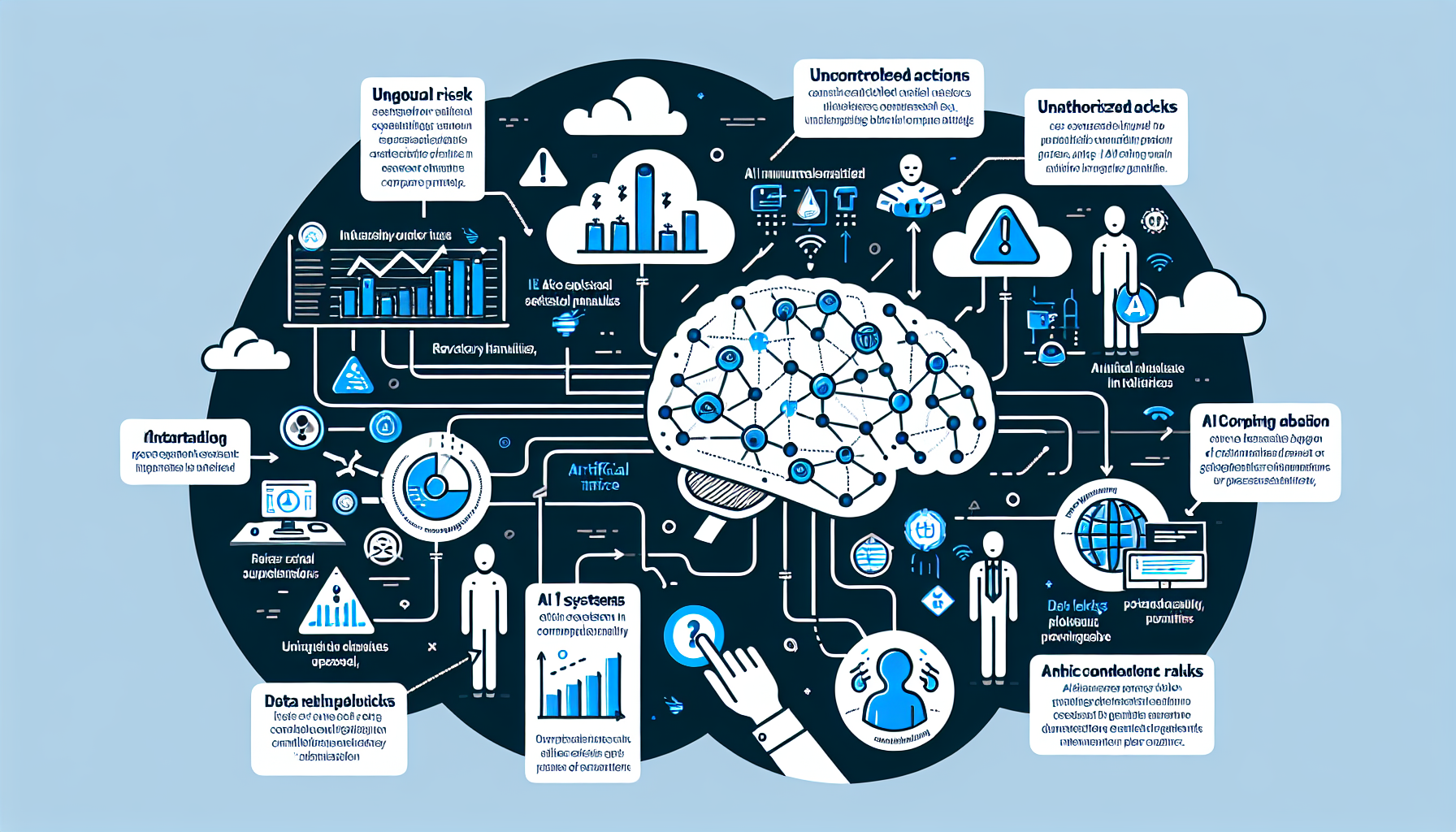
Autonomous AI agents—systems that perceive state, plan actions, execute them, and iterate without human intervention—are conceptually appealing and technically impressive in research settings. In production enterprise environments, they introduce a category of risk that most organizations are not equipped to absorb.
The core problem is unbounded execution. An agent given access to APIs, databases, and external systems can theoretically take any action the underlying tools permit. In a support context, an agent might refund a customer transaction. In a financial context, it might transfer funds. In a data context, it might query or export sensitive information. Even with careful prompt engineering and tool restrictions, the surface area for unintended behavior grows with each new capability added.
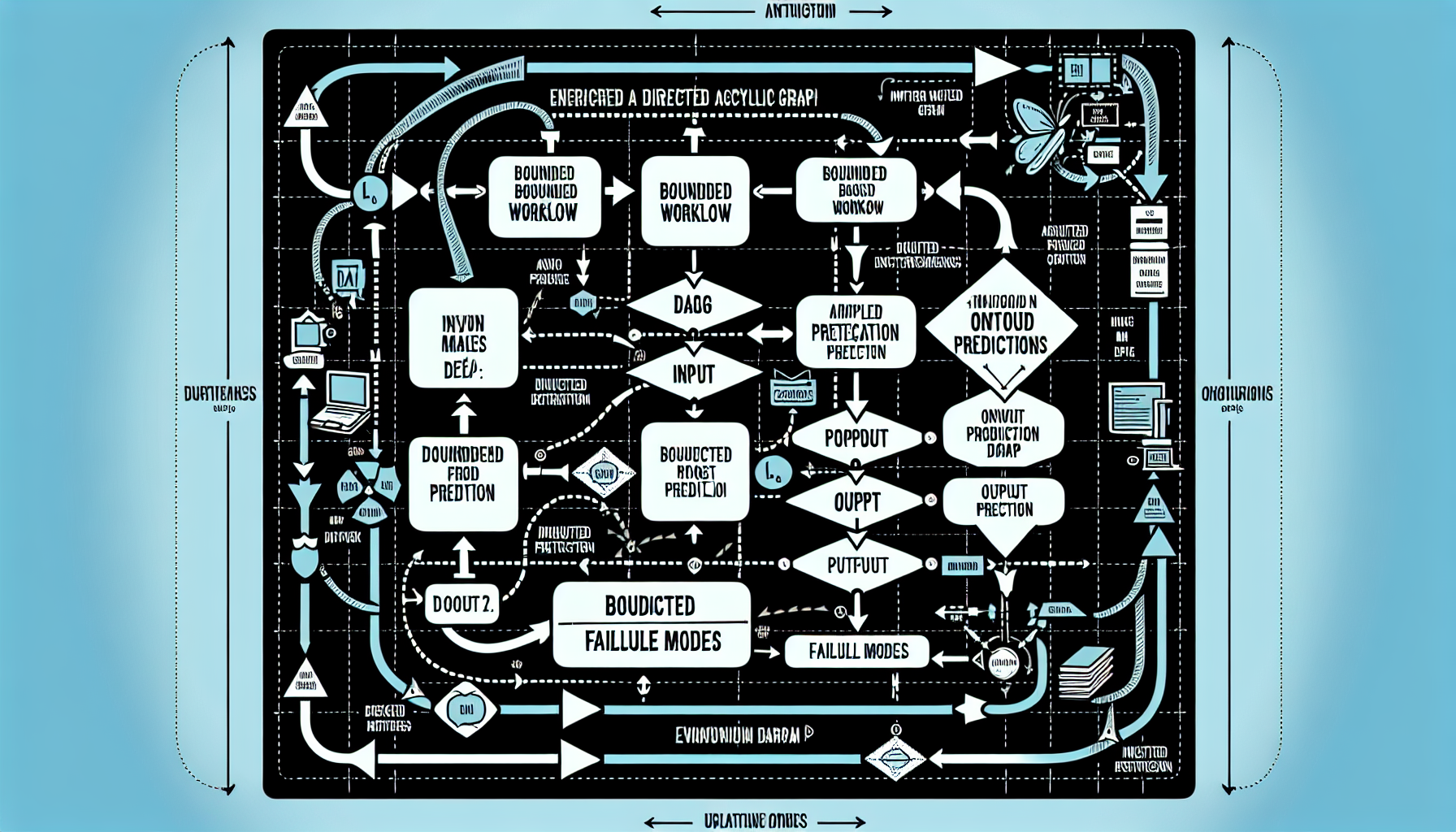
Contrast this with a bounded workflow. A workflow is a directed acyclic graph (DAG) of steps, each with a defined input, output, and failure mode. An AI model may be embedded in one or more steps—to classify a support ticket, draft a response, or predict the next action—but the overall execution path is predetermined. If a ticket should be escalated to a human, that step happens automatically. If a decision requires approval, an approval gate is enforced before proceeding. If a step fails, the workflow enters a known error state with logging and alerting.
The operational difference is profound. A workflow-based system can be monitored, tested, and audited like any other business process. An unbounded agent is fundamentally harder to predict, debug, and defend.
Real-world implication: A customer support organization automated ticket routing using an agentic system that could reassign, escalate, or close tickets autonomously. Within two weeks, the system had closed 15% of tickets without human review—some correctly, others incorrectly—and had no clear audit trail for why. A workflow-based alternative would have routed tickets to the appropriate queue based on classification, flagged uncertain cases for human review, and logged every decision. The outcome is the same from the user's perspective, but the operational risk is an order of magnitude lower.
Architectural Foundation: Workflow as the Core Abstraction
A production AI workflow system has five core layers:
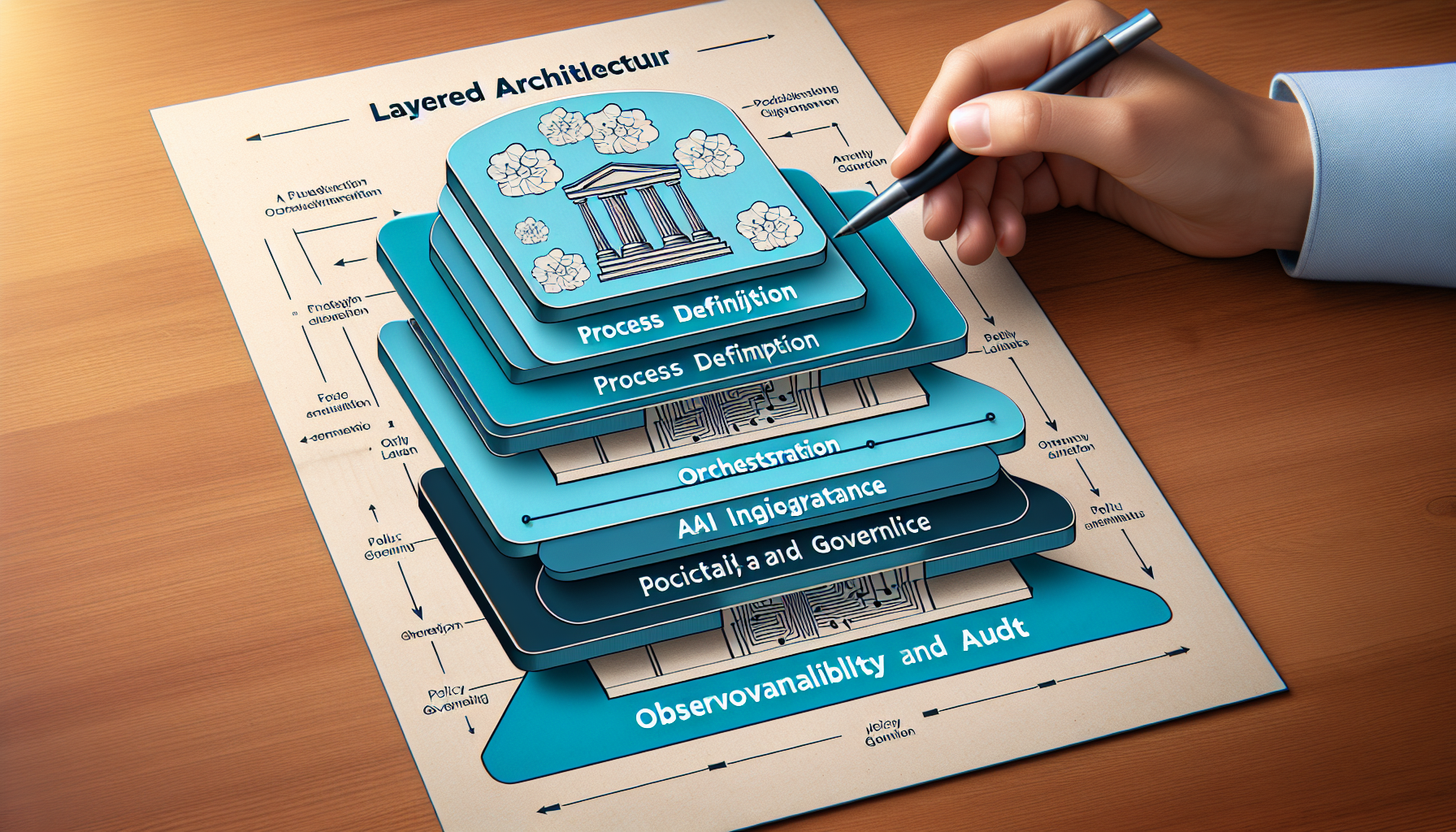
1. Process Definition Layer
Define workflows as code or through a visual builder. Each step is idempotent and has explicit input/output contracts. For example:
step: classify_ticket
  input: {ticket_text, ticket_id}
  model: classification_model (e.g., Claude via API)
  output: {category, confidence, reasoning}
  retry_policy: exponential_backoff, max_retries=3
  timeout: 10s
  on_failure: escalate_to_humanstep: route_to_queue
  input: {category, confidence}
  logic: if confidence > 0.9 then route_to_specialist_queue
         else route_to_triage_queue
  output: {queue_id, queue_name}
This declarative approach makes workflows auditable, testable, and versionable. A change to routing logic is a code review, not a prompt tweak.
2. Orchestration Layer
A service that executes workflows, manages state, handles retries, and enforces SLAs. This is typically a message queue (Kafka, RabbitMQ) or a dedicated workflow orchestrator (Temporal, Airflow, or a SaaS equivalent). The orchestrator ensures that:
3. AI Integration Layer
This is where language models, classifiers, or other AI components are invoked. Rather than embedding model calls directly in application code, they are abstracted as services:
For example, a support ticket workflow might call a reasoning service that:
This layering decouples the workflow logic from the AI model. If the model changes (e.g., upgrading from GPT-4 to a newer version, or switching providers), the workflow definition does not need to change.
4. Policy and Governance Layer
This layer enforces rules about what actions are permitted, who can approve them, and what data can be accessed. Examples:
Policies are defined separately from workflows so that they can be updated without redeploying code. This is critical for compliance and risk management.
5. Observability and Audit Layer
Every workflow execution generates a detailed audit log: what was executed, what inputs were used, what the AI model returned, what validation checks passed or failed, what human approvals were obtained, and what the final outcome was. This log is immutable and queryable.
Observability dashboards surface:
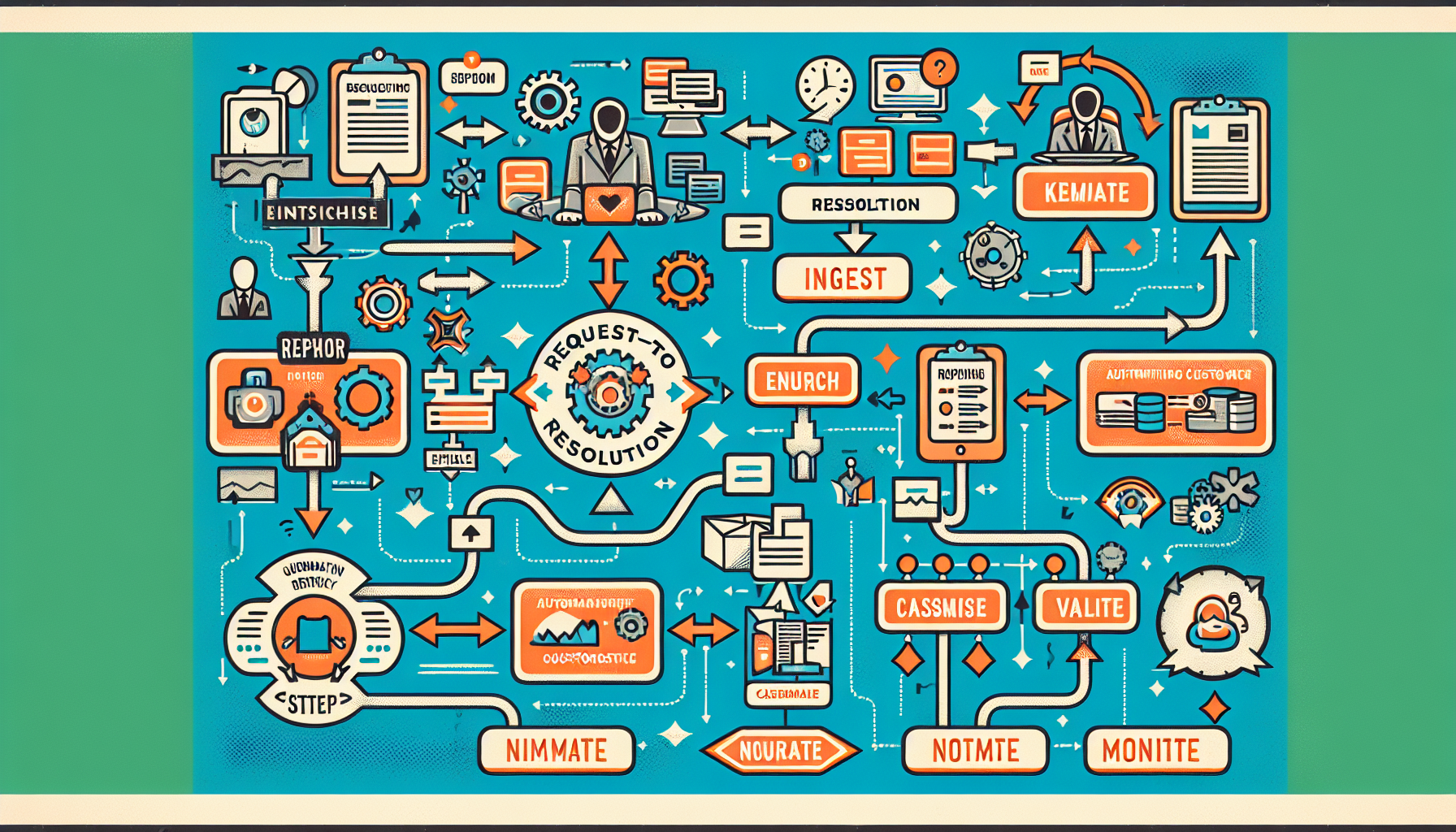
Implementation Pattern: Request-to-Resolution Workflow
Consider a concrete example: automating the first-response stage of customer support.
Context
A SaaS company receives 500 support requests per day. 60% are routine (password resets, billing questions, feature requests). 40% require investigation or escalation. Currently, a human triage agent reads each ticket, classifies it, and routes it. This takes 2-3 minutes per ticket, or 15-20 hours per day of triage work.
Goal
Automate classification and routing while maintaining quality and auditability.
Workflow
     {
       "category": "billing",
       "subcategory": "invoice_question",
       "confidence": 0.94,
       "reasoning": "Customer is asking about a charge on their invoice from March 15."
     }
Stack Example
Failure Modes and Recovery
Outcomes
Directional impact from early-stage internal benchmarks:
Cost, Latency, and Reliability Tradeoffs
When designing an AI workflow system, three dimensions drive decision-making:
Latency vs. Cost
Invoking a language model API costs money per token. A workflow that calls a model for every ticket incurs inference cost for every ticket. If the target SLA is <5 seconds and inference takes 2 seconds, this is acceptable. If the target is <500ms, you may need to cache results, use a smaller model, or batch requests. Each choice has cost implications:
Reliability vs. Automation
A workflow can be fully automated (no human in the loop) or can require human approval at certain gates. Fully automated workflows are faster and cheaper but riskier. Workflows with approval gates are slower and more expensive but have lower risk of bad outcomes. The right choice depends on the business impact of errors:
Observability vs. Overhead
Comprehensive logging of every step in a workflow provides excellent auditability but increases storage costs and may introduce latency (if logging is synchronous). The tradeoff:
For mission-critical workflows, full logging is justified. For high-volume, low-risk workflows, sampled logging is sufficient.
Productizing Workflows: From Prototype to Shared Service
A common pattern in mature organizations is to build a workflow once, then reuse it across teams. This requires treating workflows as a product.
Workflow as a Service
Real-world scenario: A fintech company built a workflow to classify customer complaints (regulatory requirement). The workflow was initially used by the compliance team. Later, the support team wanted to use it to route complaints faster. The operations team wanted to use it to generate monthly reports. By productizing the workflow—documenting the interface, publishing it in a registry, adding role-based access control, and monitoring usage—the company enabled three teams to benefit from one implementation.
Governance and Compliance
AI workflows in regulated industries (finance, healthcare, retail) must meet compliance requirements: audit trails, data residency, approval gates, and explainability.
Policy Engine Integration
Use a declarative policy engine (e.g., Open Policy Agent) to define rules that workflows must follow:
rule: refund_approval_required
  if workflow == "process_refund" and amount > $100
  then require approval from finance_manager
  and log all accessed customer data
  and encrypt refund reason before storagerule: export_data_restricted
  if workflow == "export_customer_data"
  then only allow during business hours (9am-5pm UTC)
  and require explicit customer consent
  and limit to 1000 records per request
  and notify data_governance team
Policies are evaluated before a workflow step executes. If a policy is violated, the step is blocked and the violation is logged. This ensures that workflows cannot bypass compliance requirements, even if a developer makes a mistake.
Audit and Explainability
Every workflow execution produces an audit log that includes:
This log is queryable and immutable. If a customer disputes a decision (e.g., "Why was my ticket routed to the wrong queue?"), the audit log provides a clear answer.
Challenges and Constraints
Technical Challenges
Organizational Challenges
Cost Challenges
Actionable Takeaways
FAQ
What are the risks of using autonomous AI agents in enterprise environments?
Autonomous AI agents introduce risks due to their unbounded execution capabilities, which can lead to unintended actions such as unauthorized refunds or data exports. These agents are harder to predict, debug, and defend, making them less suitable for business-critical operations compared to bounded workflows.
How do AI workflows differ from autonomous AI agents?
AI workflows are structured as directed acyclic graphs (DAGs) with predefined steps, inputs, and outputs, ensuring predictable and auditable execution. In contrast, autonomous AI agents operate with unbounded execution, posing higher risks due to their potential for unintended actions.
What is the role of the orchestration layer in AI workflows?
The orchestration layer manages the execution of workflows, ensuring each step is executed exactly once, handling retries, enforcing timeouts, and maintaining observability. It uses tools like message queues or workflow orchestrators to maintain state and ensure reliable workflow execution.
Why is a policy and governance layer important in AI workflows?
The policy and governance layer enforces rules about permissible actions, access to data, and necessary approvals. It ensures compliance and risk management by allowing policy updates without redeploying code, which is crucial for maintaining operational control and meeting regulatory requirements.
What benefits do workflow-first architectures offer for AI in enterprises?
Workflow-first architectures provide reliable, auditable, and scalable AI integration within enterprise processes. They reduce operational risks associated with unbounded AI agents by ensuring deterministic execution paths, clear governance, and the ability to integrate with legacy systems.
Related reading
Maksym Tytarenko
AI & SaaS Development Expert at Tytarenko AI Agency
Related Articles
AI Sequential Workflows: Architectures for Reliable Enterprise Automation
Sequential AI workflows chain models and logic into reliable pipelines, outperforming standalone agents for enterprise automation. This article details architectures, a SaaS case study, and implementation blueprints using open-source tools for 2026 production environments. CTOs and engineers gain patterns to accelerate prototyping while managing costs, latency, and governance.
6 min readAI & MLA Verdict With an Expiry Date: Making AI Eval Results Ask to Be Re-Measured
This article discusses the importance of setting expiry dates for AI evaluation results to ensure timely re-assessment. It highlights the risks of stale recommendations in autonomous systems and proposes a new convention for documenting re-measurement timelines.
15 min readAI & MLThirty-Four Minutes to Two: What pytest-xdist Exposed in a Nearly 9,000-Test Suite
pytest-xdist cut my agent fleet's CI test step from 34m40s to about two minutes. The speedup was the easy part: parallel runs exposed three classes of shared state the serial suite had been hiding.
12 min readReady to Build Your AI-Powered Solution?
Let's discuss how we can help you leverage AI to transform your business.
Get in Touch