Business Growth AI Advisor
A ten-question conversation that turns a startup idea into a validated plan with market analysis, projections and a PDF report.
Screenshot 1 of 3
Stack
Pipeline
- 1
A conversational assessment collects the idea
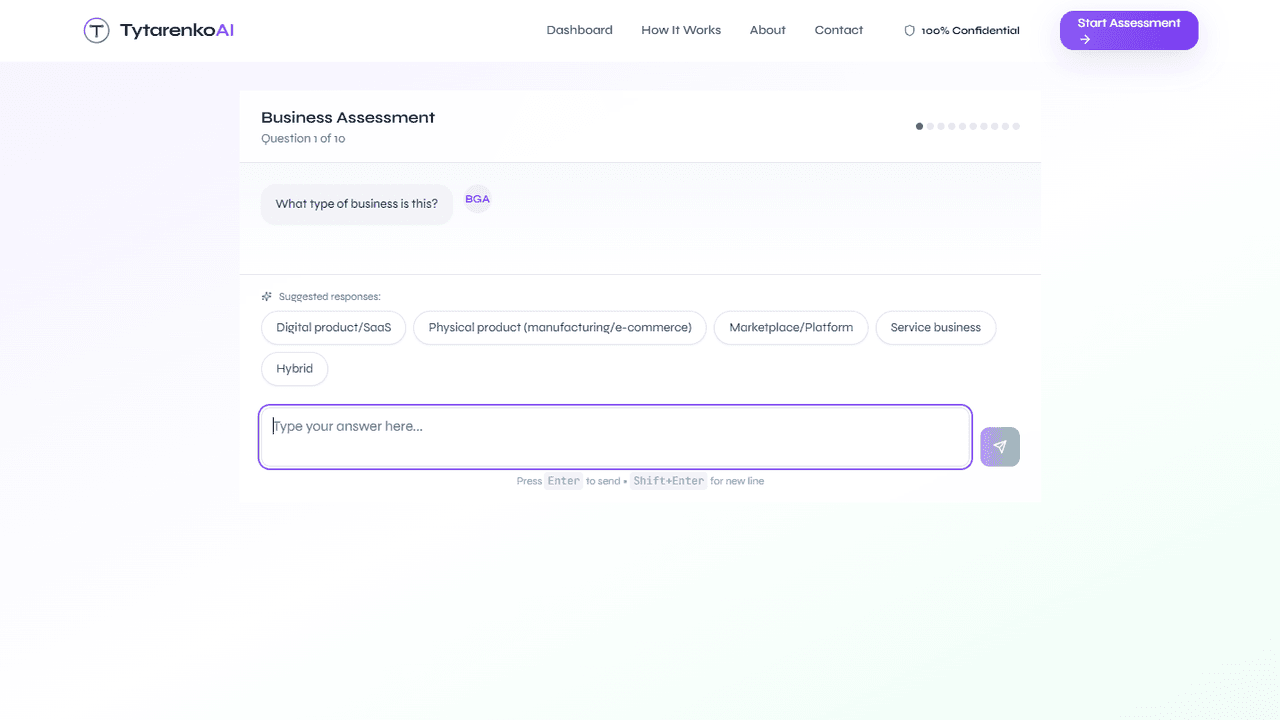
Ten questions asked one at a time in a chat, each with suggested responses from a fast model; every answer is checked for substance and a follow-up is asked when it is thin.
Next.jsFastAPIGPT-4.1 mini - 2
The answers are analysed into a structured result
One model call turns the ten answers into a viability score, quick wins, top risks and next steps; the result is cached in Postgres so a repeat view never repeats the call.
GPT-4.1PostgreSQL - 3
The free result is shown and mailed
The visitor sees the result page immediately and receives the quick wins and the critical risk by email, before any purchase.
FastAPISMTP - 4
The full plan is sold through Stripe
A checkout session with promo-code support unlocks the Business Launch Plan; the webhook marks the report paid and the success page returns the visitor to it.
Stripe - 5
A PDF business plan is generated
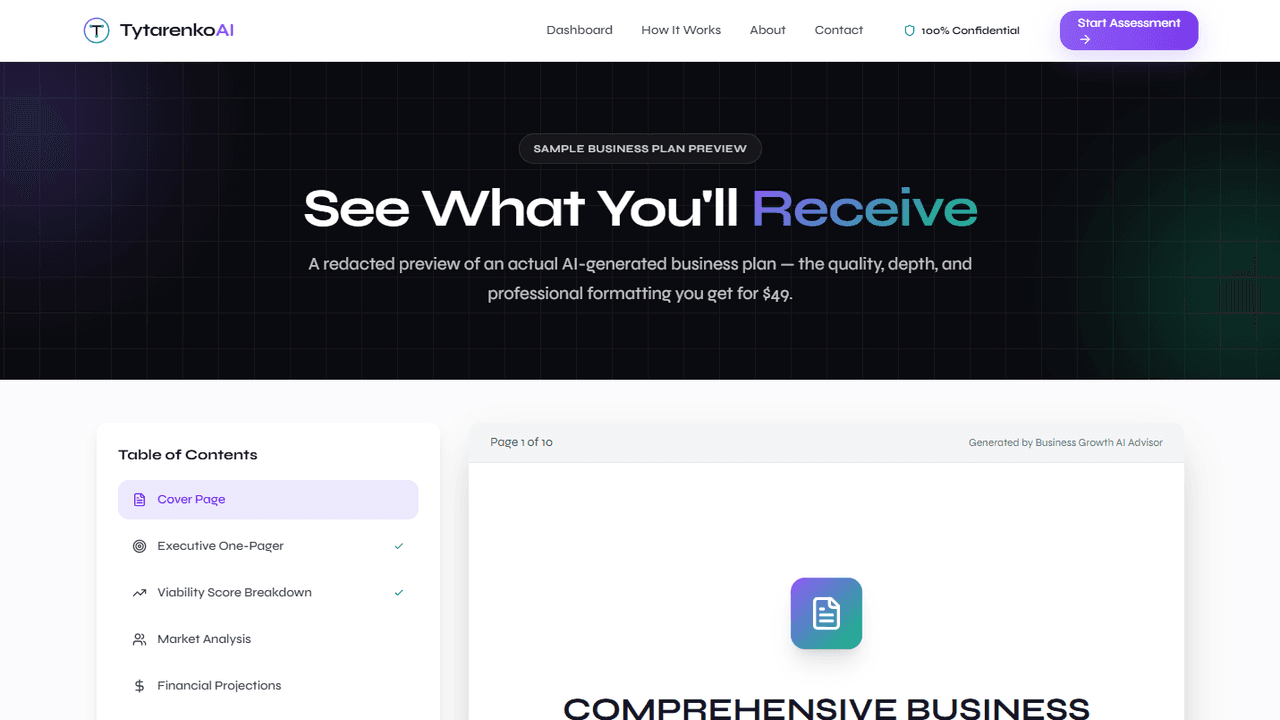
Cover, executive one-pager, viability breakdown, market analysis, financial projections with charts, operations and action sections are rendered with ReportLab and matplotlib and stored for download.
ReportLabmatplotlib - 6
History and downloads live in a dashboard
Every assessment and report of an account is listed with its status and download link.
Next.jsPostgreSQL - 7
Deployed to Railway on every push
A GitHub Actions workflow decides which of the frontend and backend changed and pushes only those to Railway, where a Postgres service holds the data; a test workflow refuses a run that silently skipped the database tests.
GitHub ActionsRailway
Links
See it live
What it does
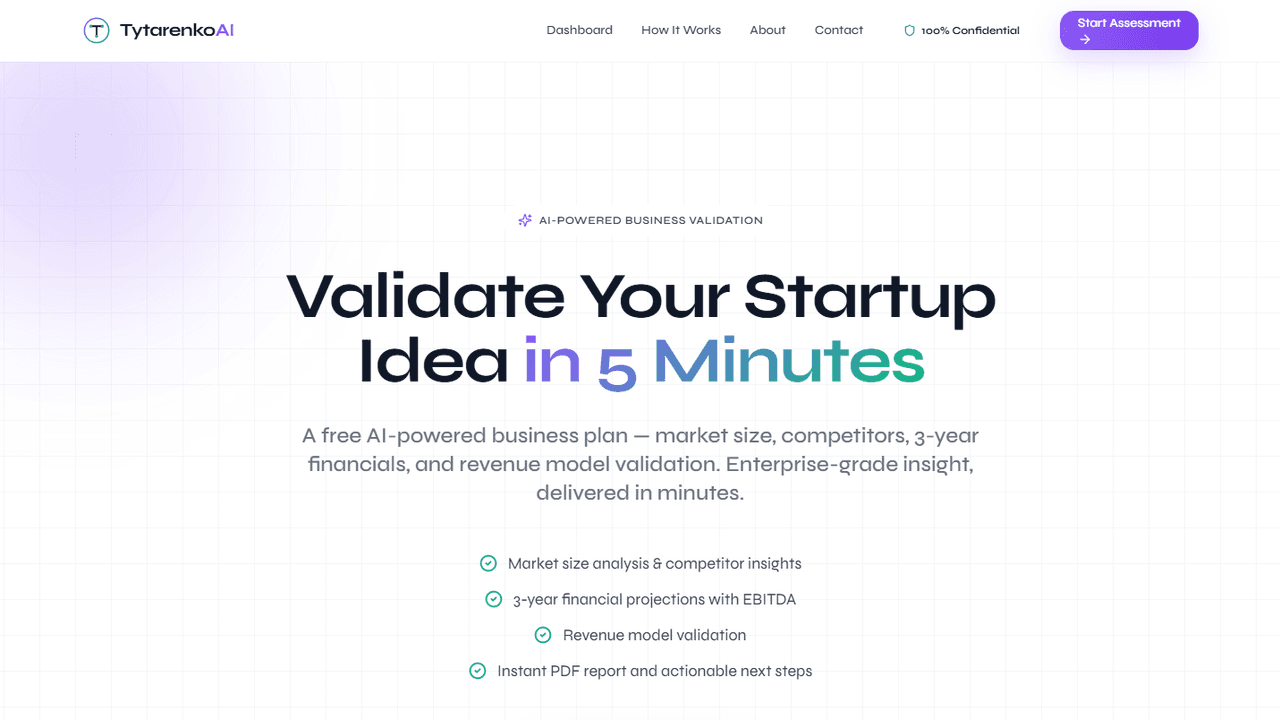
Business Growth AI Advisor takes a startup or small-business idea and returns a validated plan: market size and competitor insight, three-year financial projections, a revenue-model check and concrete next steps. The free tier is a conversational assessment and a result page; the paid Business Launch Plan is a full PDF business plan generated from the same answers.
It is the first product Tytarenko AI Agency built for itself rather than for a client, and it is written and maintained with the same agents the agency uses for client work.
How it works
The assessment is a chat, not a form. Ten questions arrive one at a time, each with suggested responses produced by a fast model, so a founder who has never written a business plan can answer by clicking. Every answer is checked for substance before the next question: a thin answer gets a follow-up, so the analysis downstream works on real input.
The analysis is a single structured call to a large model over all ten answers, returning a viability score, quick wins, top risks and next steps. The result is cached in Postgres under a key derived from the answers, so opening the page again or generating the PDF never repeats the call. The free result is shown on the spot and the quick wins and the critical risk are emailed.
The paid plan runs through Stripe checkout with promo codes; the webhook marks the report paid and the success page returns the visitor to the download. The PDF is built with ReportLab and matplotlib charts: cover, executive one-pager, viability score breakdown, market analysis, financial projections, operations and action sections. Accounts get a dashboard with every assessment, its status and its download.
The stack is a Next.js frontend, a FastAPI backend and Postgres, all on Railway. A GitHub Actions workflow deploys only the service that changed on every push to main, and the test workflow fails a run that skipped the database tests instead of reporting green. The product was built in November 2025 and moved from its first hosting to Railway in August 2026; the code was written and migrated with Claude Opus, and the product itself runs on GPT-4.1 with GPT-4.1 mini for suggestions and validation.
Where to see it
Run the free assessment at growth.tytarenkoagency.com. A redacted sample of the paid plan is on the sample page.
Share this case